

Guides
24 Landscaping Social Media Post Ideas With Captions for Every Season
On this page8 sections
The mowers are parked, the phone is quiet, and your company page hasn't had a post since the last leaf cleanup. Here are 24 landscaping social media post ideas for a small lawn care company on Facebook and Instagram, grouped by season and starting with winter. Eight of them come with a full caption you can paste and adjust.
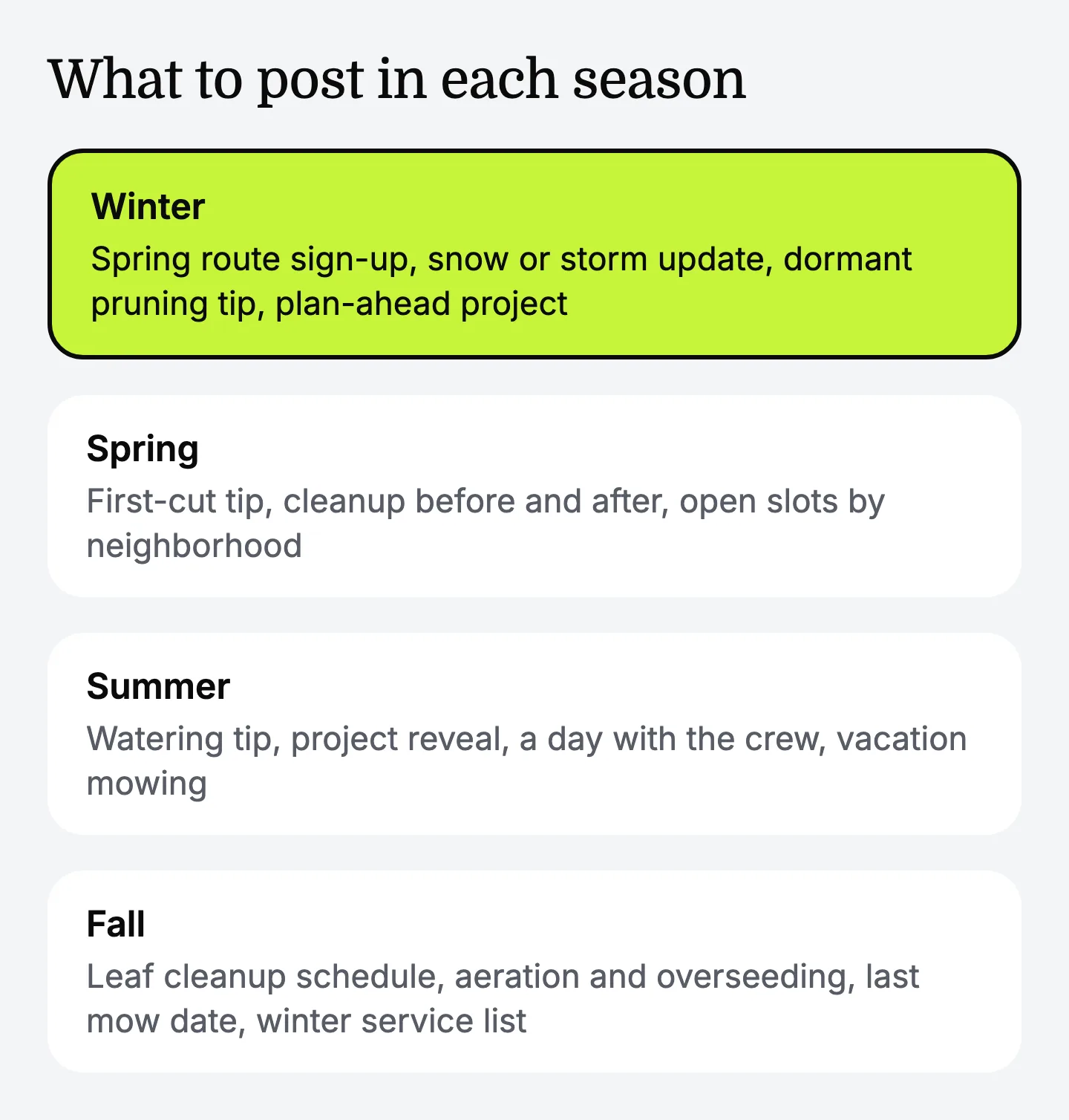
Winter landscaping social media post ideas
Winter posts for a lawn care company do two jobs: they keep your name in front of customers while the grass is dormant, and they fill the spring route before the first warm week. In a region with no real winter, swap the snow ideas for cool-season cleanup.
- Spring route sign-up. Announce that you're building the mowing route and name the neighborhoods.
- Snow or storm update. If you plow or shovel, say where the crew is and when you expect to reach each area.
- What the crew does in winter. Blades being sharpened, trailers repaired, a new mower arriving.
- Dormant pruning tip. Explain which trees and shrubs you prune while they're dormant in your area, with a photo of a clean cut.
- Plan-ahead project. Patios, beds and plantings designed in January get installed first in spring.
- Salt and the lawn edge. A short tip on keeping de-icing salt away from beds and turf along the driveway.
- Year in photos. Three favorite jobs from the past season, posted with each customer's permission.
Spring post ideas for the busy start
Spring posts should make it easy to book, because this is when homeowners are choosing a crew.
- First mow of the season. A photo of fresh stripes and the date you started.
- Spring cleanup before and after. Same yard, same angle, both shots.
- Mulch day. Show the color options side by side and ask which one followers like.
- Open slots by neighborhood. Say exactly how many yards you can add and on which day.
- First-cut tip. Explain why you don't cut too short on the first pass.
- Meet the crew. First names, how long each person has been with you, and what they do best.
Summer post ideas for heat and vacations
Summer posts work best when they answer the questions customers ask you in the driveway.
- Watering tip. When to water and how to tell the lawn has had enough.
- Brown lawn explainer. The difference between a lawn resting in a dry spell and one that needs help, in plain words.
- Project reveal. A finished patio, wall or bed, with a short note on what the customer asked for.
- A day with the crew. A 20-second video from the first stop to the last.
- Vacation mowing. An offer to keep the yard cut while the customer is away.
- Storm cleanup notice. After high wind, say that you're available for branches and debris and how to reach you.
Fall post ideas that set up next year
Fall posts sell the last services of the season and keep customers attached to you through winter.
-
Leaf cleanup schedule. Dates by neighborhood and how to get on the list.
-
Aeration and overseeding explained. What it is, why fall suits cool-season lawns, and what the yard looks like right after.
-
Last mow date. Tell customers when the final cut is planned and why.
-
Customer thank-you. Thank the streets you served, and invite every customer to leave an honest review. Never offer anything in exchange for one.
-
Winter service list. If you plow, hang lights or do winter pruning, open the list.
A simple weekly rhythm for Facebook and Instagram
Three posts a week is a workable pace for a small lawn care company, and the same post can go to both Facebook and Instagram. Change the days to match your route.
| Day | Type of post | Example from the list | Time it takes |
|---|---|---|---|
| Monday | Tip or answer | Watering tip, first-cut tip, salt and the lawn edge | 10 minutes |
| Wednesday | Proof of work | Before and after, project reveal, a day with the crew | 5 minutes, photo taken on site |
| Friday | Opening or ask | Open slots, route sign-up, leaf cleanup schedule | 10 minutes |
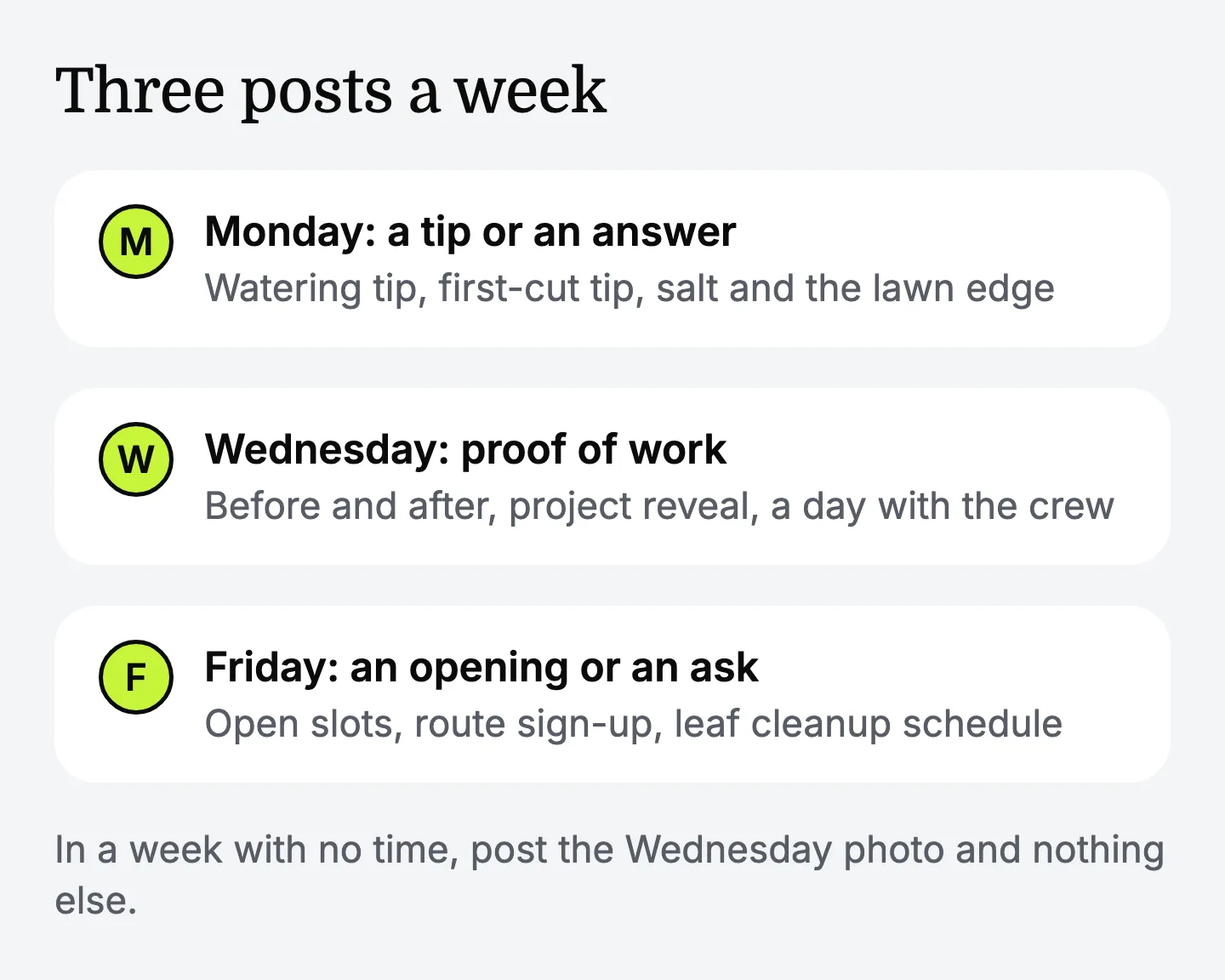
In a week with no time, post the Wednesday photo and nothing else.
Photo and caption rules that keep customers happy
Ask the customer before you post their property, and you'll avoid nearly every awkward call about social media.
- Get a yes first. A quick text is enough: "Mind if we share a photo of the yard on our page?" Ask again if a person's face is in the shot.
- Leave out house numbers and plates. Name the street or neighborhood at most.
- Shoot before and after from the same spot. Stand where the driveway meets the sidewalk both times.
- End with one next step. Call, message, or comment. Pick one.
For a plan to find new ones, see how to get landscaping clients. The organic social media course shows how to plan a month in one sitting.
Tools that help a small lawn care company create posts
A small landscaping business can use an app or AI assistant to create social media posts with captions ready to post, and in 2026 the choices fall into four groups.
- Design apps. Templates for seasonal graphics and before-and-after layouts.
- Social media schedulers. Load a week of Facebook and Instagram posts at once and let them go out on the days you pick.
- General AI chat assistants. ChatGPT, Gemini or Claude can write captions from a description of your company, your area and the job.
- Field service software with marketing features. Some include post templates.
Pick by where the week gets stuck. If the photos sit in your phone because nobody decides what goes out when, a scheduler solves that. If the day is picked and the caption never gets written, add a writing assistant. For one caption a week, a general AI chat assistant is enough.
An AI assistant like Empacer fits a landscaping business where the owner writes the posts from the truck. You explain what you need by voice or text, and it keeps your services and tone on hand in About you. It doesn't take the photos, choose the day or put the post up: you post it yourself. Here's how a request would go, as an example: you say, "Finished a spring cleanup on Oak Street, beds edged and mulched, two Thursday openings left." Empacer drafts the caption as a card. You check the street and the openings, edit, and approve.
FAQ
What should a small lawn care company post on Facebook and Instagram in winter?
Post spring route sign-ups, snow or storm updates if you offer them, equipment maintenance photos, dormant pruning tips, project planning offers and a look back at the year's best jobs.
What's the best AI tool to create social media posts for a landscaping business, with captions ready to post?
General AI chat assistants write solid captions when you give them the job details, and design apps cover the graphics. Empacer drafts the caption from a short voice or text request and keeps your services and tone on hand, so the draft already sounds like your company. You approve it before it goes out.
Is there an AI assistant that writes captions for a lawn care company?
Yes, several kinds. A general chat assistant works if you explain your business each time. Empacer asks a few questions about your business when you start, then prepares each post as a card you can edit, decline or approve.
How often should a landscaping company post on social media?
There's no required number. Three posts a week, a tip, a job photo and an opening, is a pace a small crew can keep.
Can I post before-and-after photos of a customer's yard?
Ask the customer first, every time, and ask again if a person is in the photo. Leave out house numbers and license plates, and name only the street or neighborhood.