
The Empacer app: a business assistant you talk to
Say what you need and check the result before it goes out. Use Empacer on the web or in the Android app.
Get Empacer on your devices
Android
Download Empacer for Business from Google Play and log in with your email and password.
Get it on Google PlayWeb
Open app.empacer.com on a computer, phone, or tablet. A bookmark or a home screen shortcut opens it in one tap.
Open app.empacer.comiPhone and iPad
An iOS app is coming soon. Until then, open app.empacer.com in your browser and log in.
One account on every device. Your tasks, files, and settings follow you. To talk to Empacer, allow access to your microphone.
What you can do in the Empacer app
Posts and captions
Turn photos you already have into posts and captions for your review.
Replies to customers and suppliers
Get a draft reply to a customer question or a late delivery, in your tone.
A plan for your week
Say what's on your plate and get a short plan for the days ahead.
Documents from your files
Attach a price list or an invoice and get a clean document or a summary.
How a task works
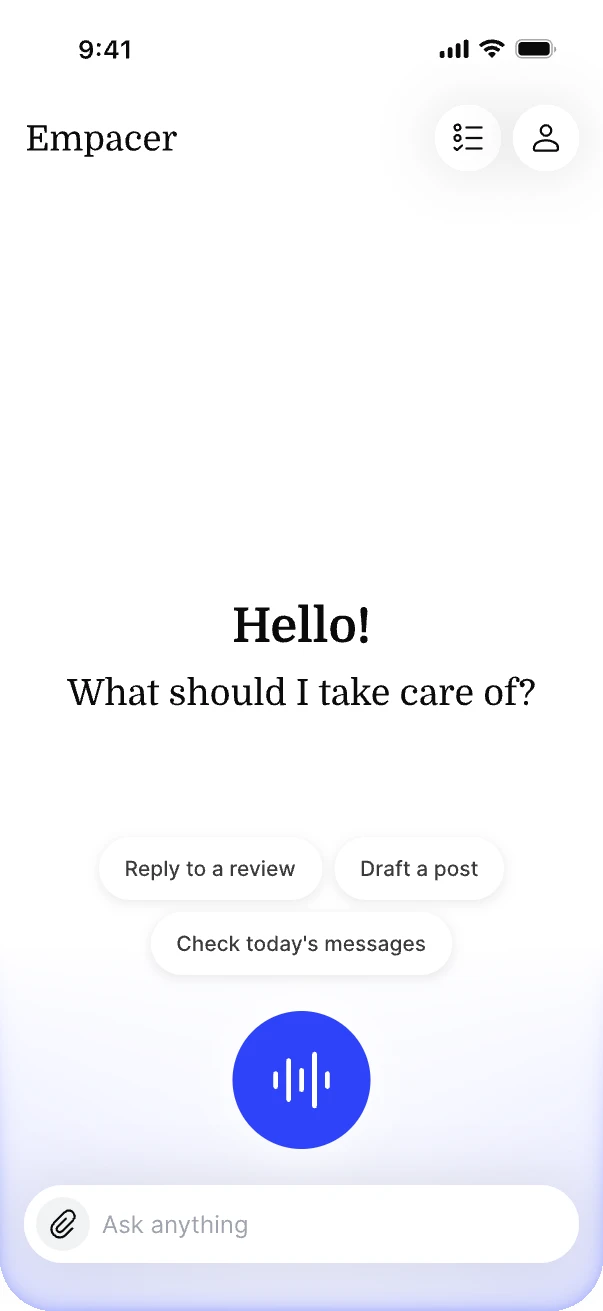
Tap the voice button and say what you need, or type in the Ask anything field. Attach a photo or a file with the paperclip.
Empacer prepares a result card with the post, reply, plan, or document.
Edit a line, tell Empacer what to fix, decline the draft, or approve it.
By default, nothing is sent until you approve it.
The card is the moment to check names, dates, and numbers before anything goes out.
See how Empacer worksSet it up once in About you
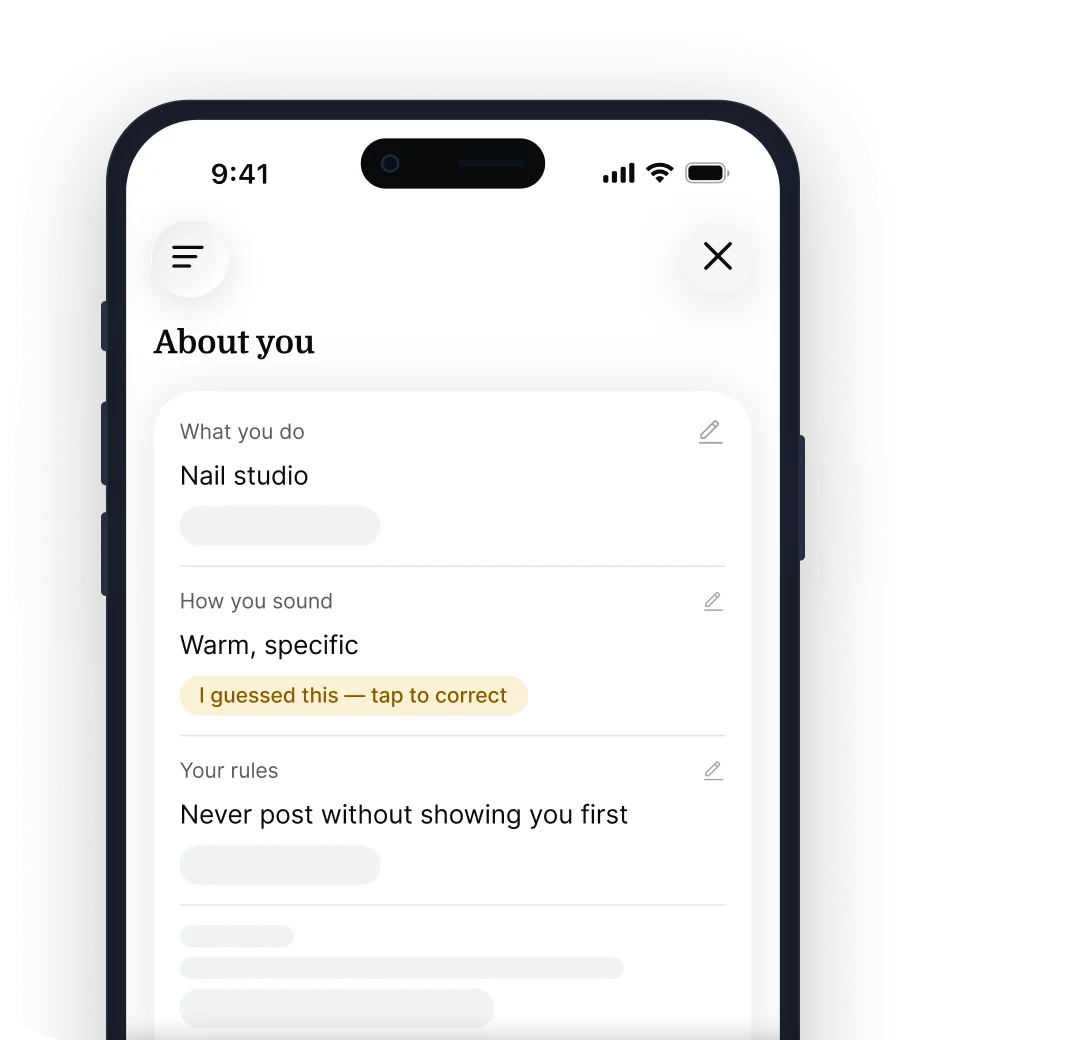
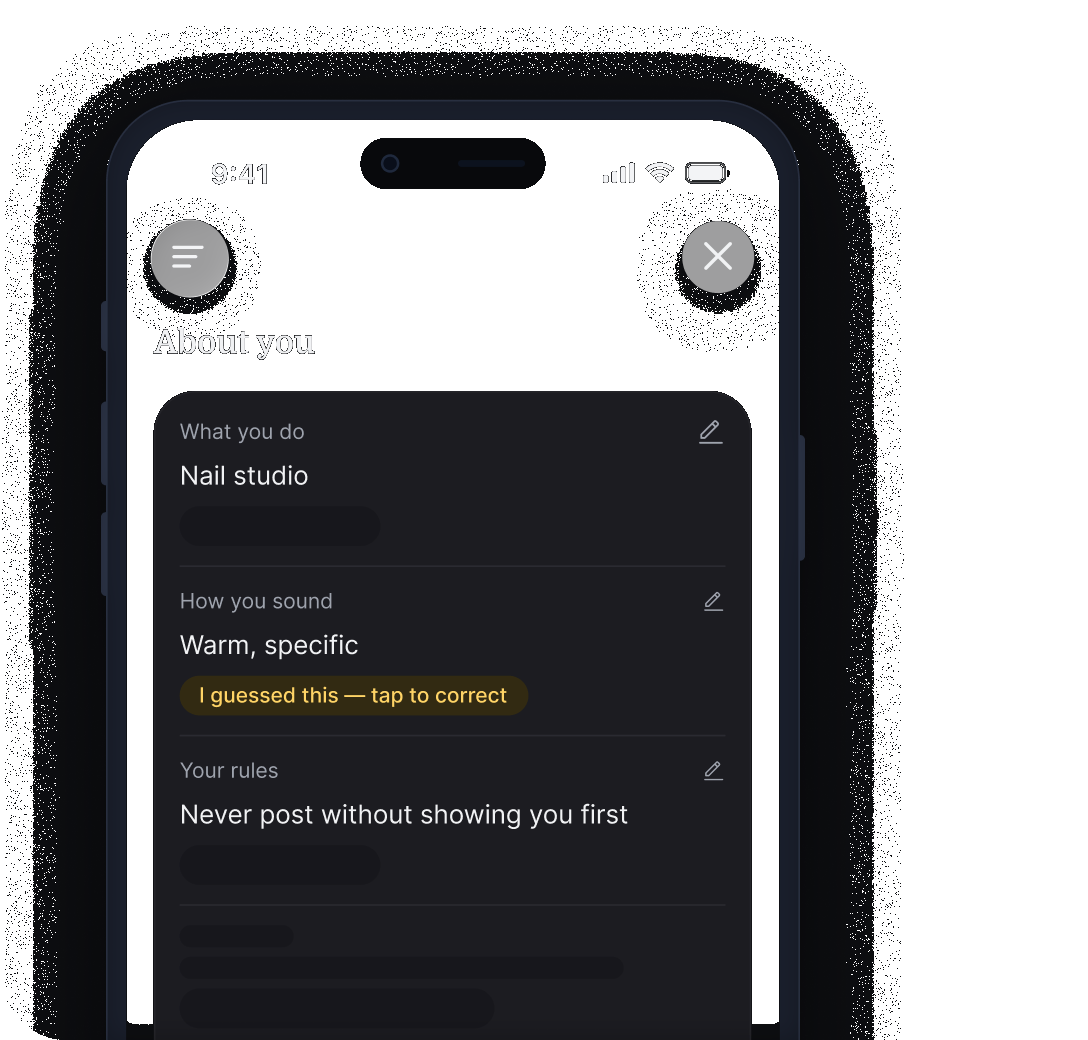
Instead of filling out a long form, you answer a few short questions about your business. Your answers come back as short facts that you can check and fix. When Empacer has to guess something, like your tone of voice, it marks the fact as a guess.
Connect the tools you already use
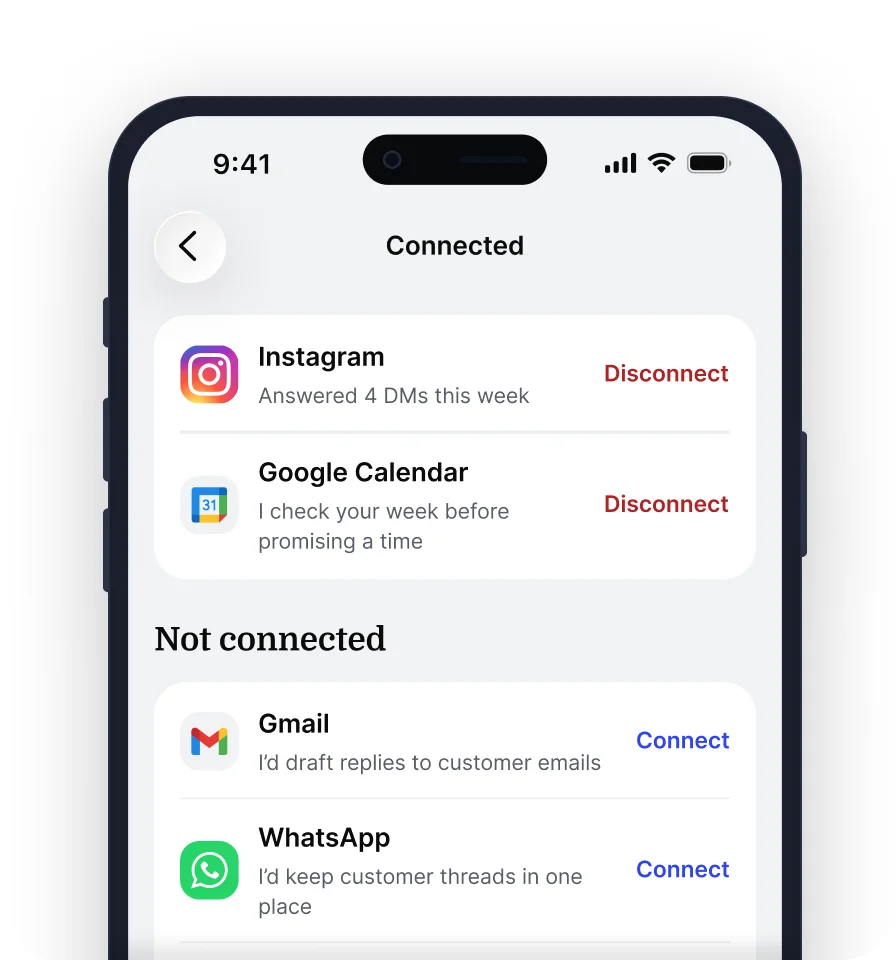
Empacer asks to connect a tool only when a task needs it, and a separate screen shows what access is requested before you agree. It works with 1,000+ tools, including Instagram, Facebook, Google Calendar, Gmail, and Notion. Available actions depend on the tool, your account, and the permissions you grant.
You can see and manage each connected tool in Connections.
See integrationsYour profile, settings, and subscription
About you
Check and update the facts Empacer keeps about your business, so drafts match your services and tone.
Connections
See the tools you linked and connect a new one when a task needs it.
Settings
Manage your subscription, see past payments, and change your email.
Need a hand with your plan or a payment? The Support Center has step-by-step answers, or write to support@empacer.com.
Your data in the app
- Empacer doesn't use your chats or business data to train its own AI models, and the AI providers it's built on don't use your data to train theirs.
- Empacer doesn't give data from your connected apps to advertisers.
Read more on the Security and Transparency pages.
Empacer app FAQ
Is there an Empacer app for iPhone or Android?
Yes, on Android: download Empacer for Business from Google Play. On iPhone, open app.empacer.com in your browser and log in.
Do I need to download anything?
No. You can use Empacer in your browser. On Android, you can also download the app from Google Play. Your tasks, files, and settings are the same on every device.
Is the app different from the web version?
No. It's the same account with the same tasks, files, and settings, so you can start a task on your phone and finish it on a computer.
Can I type instead of talking?
Yes. Type your request in the Ask anything field, or attach a photo or a file with the paperclip.
How do I get better drafts in the app?
Keep About you up to date and add one specific detail to each request, such as the service, the day, or the customer's question. The more accurate your About you facts are, the fewer edits a draft needs.
Does Empacer use my data to train AI?
No. Empacer doesn't use your chats or business data to train its own AI models, and the AI providers it's built on don't use your data to train theirs.