
Guides
How to Ask for Payment Politely: Text Messages for Every Stage
On this page10 sections
You cleaned the house two weeks ago, sent the total, and heard nothing back. Every draft you type now sounds like an apology or like a demand. The texts below cover each stage, from a heads-up before the due date to the last message before you pause work, and there's a phone script for when texts go unanswered.
What to check before you ask a client for payment
A late payment often comes from a missing invoice, a wrong number or a failed card, so check your own side before you write to the client.
- The invoice went out. If you only said the total out loud at the door, send it in writing first.
- The amount and due date match what you agreed. Compare the invoice with the quote or the booking.
- The money hasn't already arrived. Check the bank account and the payment app.
- You're writing to the person who pays. In a household or an office, that may be someone you never met.
- The channel fits. Text works when the client already texts with you about bookings. Otherwise start with email.
This article is general guidance and is not legal, tax or debt collection advice.
How to ask for payment politely in a text message
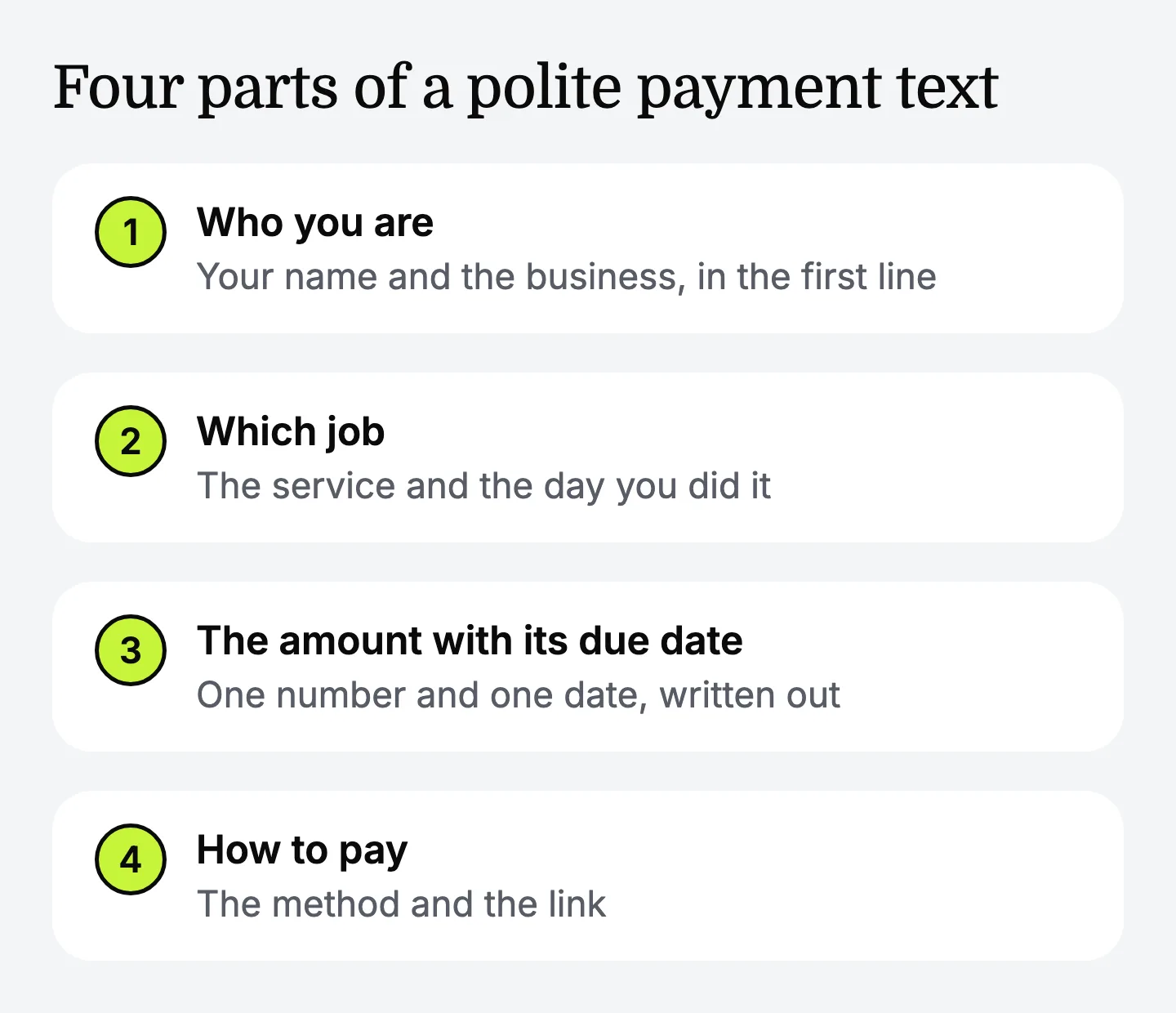
A polite payment text has four parts: who you are, which job it's about, the amount with its due date, and how to pay.
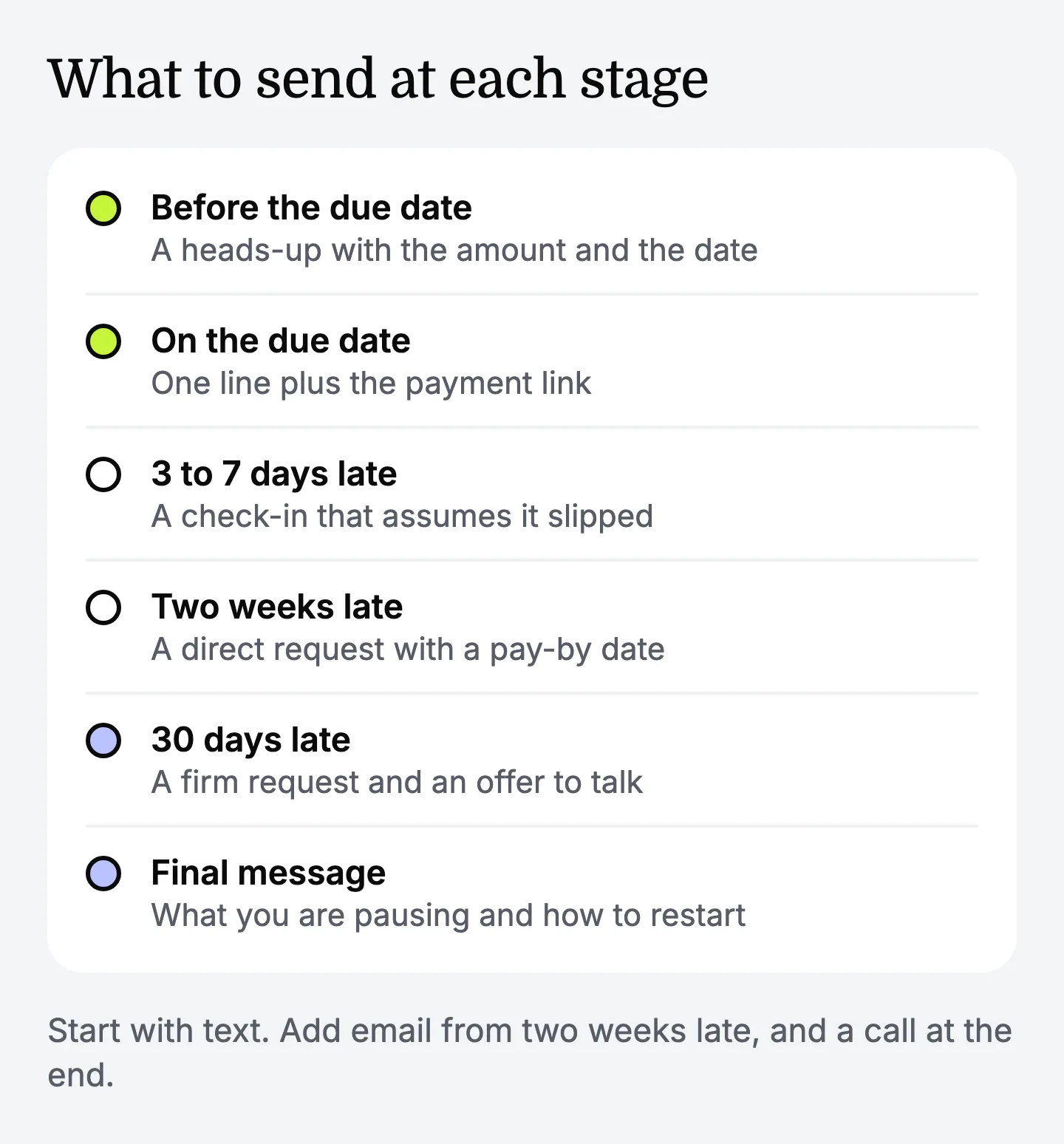
| Stage | What to send | Channel |
|---|---|---|
| Before the due date | A heads-up with the amount and the date | Text |
| On the due date | One line plus the payment link | Text |
| 3 to 7 days late | A check-in that assumes it slipped | Text |
| Two weeks late | A direct request with a pay-by date | Text, then a short email |
| 30 days late | A firm request and an offer to talk | Email and a text |
| Final message | What you're pausing and how to restart | Email, then a call |
Two habits keep the tone right:
- Assume a slip. "I wanted to check the invoice reached you" gives the client an easy way to answer.
- Skip the stacked apologies. A text like "So sorry to bug you, I know you're busy, just wondering if you had a chance to look at the invoice, no rush at all" is kind, but it names no amount and no date, and it tells the client there's no rush.
Texts to send before the due date and on the due date
A heads-up before the due date is the easiest payment message to send, because nothing is late yet.
Texts for a payment that is 3 to 7 days late
In the first week, write as if the invoice got buried, because it usually did.
Two weeks late: a direct text and a short email
At two weeks, state the number of days and ask for payment by a date.
If the text gets no answer in two business days, send the same request by email with the invoice attached.
How to ask a client for payment when the invoice is 30 days late
At 30 days, say plainly that the invoice is a month past due, ask for a payment date, and offer one option such as a split payment. A freelance photographer keeps the relationship by keeping the work and the bill apart: the shoot went well, and the invoice is a separate, fixable matter.
The final message before you pause work
The final message states one fact: you're pausing further work until the balance is paid, and here is how to restart. Write only what you will really do, and check your agreement and local rules before you stop a job that is partly finished.
Follow it with an email that repeats the invoice number, the amount and the pause. Keep legal steps, review sites and credit out of the message. If you're considering formal collection, talk to a local professional first.
A phone script for when messages go unanswered
A two-minute call settles what five texts can't, because you can agree on a date right there.
Apps and AI assistants that write payment request texts
In 2026, several kinds of app can write payment request texts and follow-ups for a small business owner.
-
Invoicing apps. They create the invoice, add a payment link, and many send follow-up messages on a schedule. Good if you invoice often.
-
General AI chat assistants. Claude, Gemini or ChatGPT will write a text or an overdue invoice email once you type in the details. Good for a freelancer facing one awkward 30-days-late email.
-
Template generators. You enter the invoice details and pick a tone, and get a ready email.
Split the job in two before you choose. Keeping track of which invoices are open, and stopping the follow-ups once the money arrives, is what an invoicing app does. Writing a message that sounds like you to one specific client is a writing job. If you send a handful of invoices a month, you can track them in a simple list and only need help with the words.
Empacer is a voice-first assistant for owners of small service businesses with one to ten people, and it covers the words. It doesn't track your invoices or know when a client has paid, so check your account before each message. Here's how a request would go, as an example: you say, "Invoice 1042 for $240 was due on the 3rd, this is my second message, keep it friendly." Empacer drafts the text in your tone as a card you can edit, decline or approve, and you send it from your own phone. Empacer is AI and can make mistakes, so check each draft, especially the amount and the date.
FAQ
How do I ask for payment politely by text when a client is two weeks late?
Name the job and its date, state the amount, say it's two weeks past due, and ask for payment by a specific date. Add how to pay, and keep the whole text under 300 characters.
How do I ask for payment on a 30-day-late invoice without ruining the relationship?
Separate the work from the bill. Say you enjoyed the project, state the invoice number, amount and days overdue, and ask for a payment date. Offering to split the balance gives the client a way to say yes.
Is there an app that writes payment request texts and follow-ups for small business owners?
Yes. Invoicing apps and payment apps include ready-made request messages, and general AI chat assistants such as Gemini, ChatGPT or Claude write them from the details you type. Empacer drafts the message from a few spoken words in your tone, and you review it before you send anything.
What's the best AI tool for a freelancer to write emails asking a client to pay an overdue invoice?
For an occasional email, a general AI chat assistant or a template generator is enough. If you write to clients every week, an assistant that keeps your services and tone on hand, such as Empacer, means each draft starts from the same business details.
Can I add a late fee when I ask for payment?
Only if your agreement or invoice terms stated the fee before the work started. Rules on late fees differ by place, so check what applies where you work.