
Turn a Client Request Into a Clear Workable Project
Define the Project Scope With AI
Keep Projects Clear While the Business Keeps Moving
Projects pile up and rarely wait their turn within your business cycle. Client work, events, and internal improvements compete with sales, calls, and the daily operations that keep a business moving. A promising client request can quickly become a loose collection of messages, estimates, dates, and assumptions. Too often, the real project scope becomes visible only after work begins, when changing course is harder and more expensive.
AI can help you manage that complexity without taking over the decisions that belong to you. It can organize supplied records, surface missing information, show calculations, compare work with available capacity, and prepare updates or options. You still confirm the facts, decide what the business can commit to, and approve every consequential change.
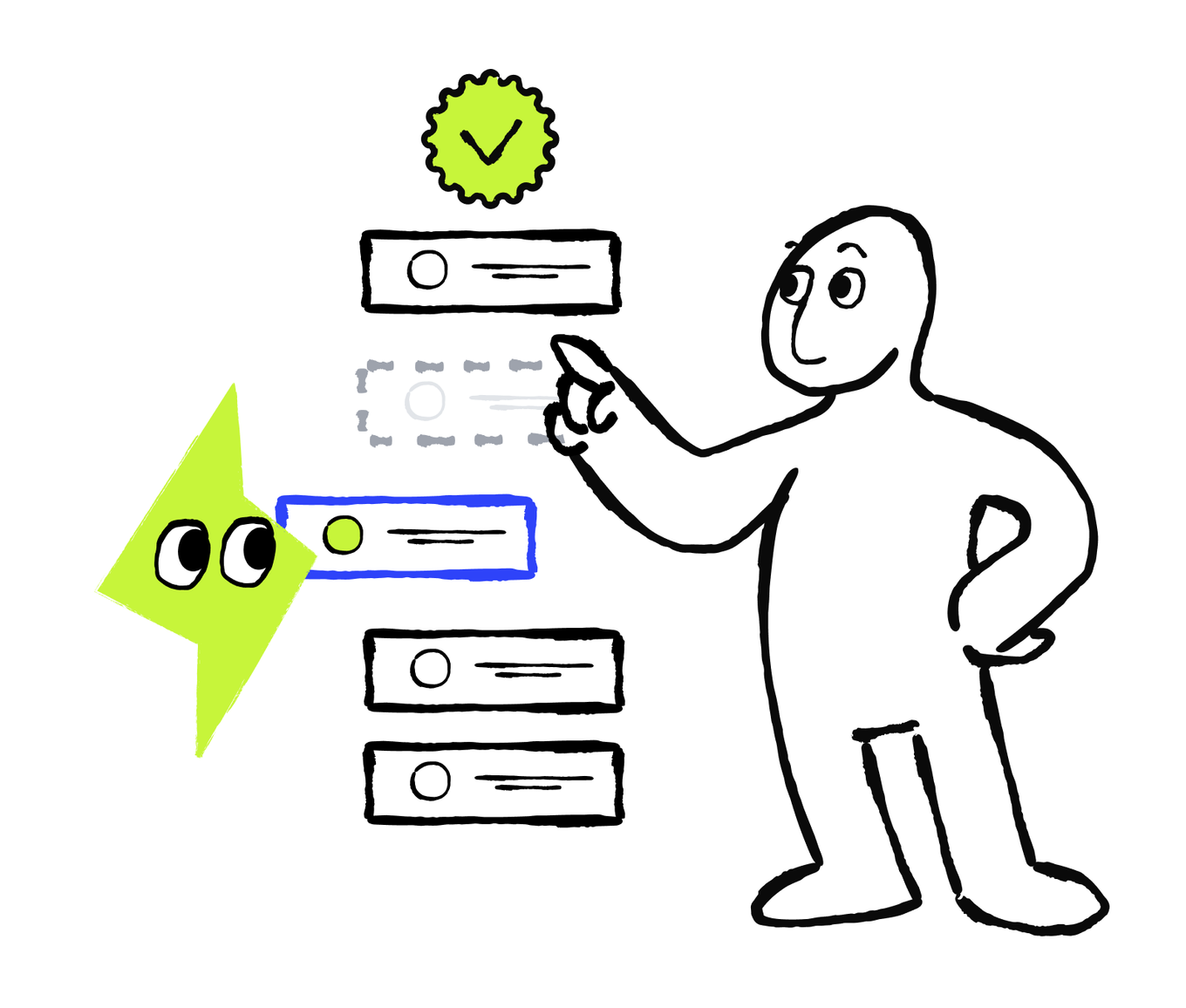
This course follows one practical workflow:
Clarify and assess → organize → plan → adapt
By the end, you will be able to turn an incomplete client request into a checked starting point, keep one current project system, build a week that fits your real business capacity, and handle changes without missing deadlines or important commitments.
In this first lesson, you will start with a client request and draft a project scope. You will define what the project includes, ask for missing information, check the resources and economics, and choose a clear starting move. You’ll use AI to turn scattered records into a structured assessment and see how the scope, resources, timing, and numbers fit together before you commit to the project.
Turn the Request Into a Project You Can Assess
A project can start with a client request, a business need, a problem to solve, or a new opportunity. Whatever the starting point, every project needs a shared goal and a clear definition of done — what must be true for the work to count as complete. Even when the starting point sounds specific, it can still hide choices that determine whether you can deliver it. Before committing to the work, first check whether the project is feasible as a whole, especially at its proposed scope. Start by answering three questions:
- Is the project clear? You know what the expectations are, what is included, and what counts as complete.
- Is the project workable? You have a realistic view of the people, time, materials, outside help, and dependencies it will require.
- Is the project financially worth it? The price covers the direct project costs and meets your business's own rule for taking on work.
AI can help you perform this first check from a small set of records.
Start with the smallest source packet that could change your decision. Don’t worry if some information is missing. Begin with what you have and request any important details from the client. Useful records include:
- Client communication with the original request and relevant follow-up messages
- Your notes from early calls, meetings, or visits, including requirements, measurements, decisions, and open questions
- Any budget agreements, including what work it covers, what it leaves out, and what is still provisional
- Availability and lead-time information from employees, contractors, or suppliers
- Your business's own time and cost estimates
You’ll ask these questions to AI and extract with it the preliminary project scope from the data scattered across sources. When you give this information to AI, leave out unrelated history and personal details it doesn’t need. For example, omit an exact home address when only the general location matters, as well as account information or payment-card data. Let’s see how to make a thorough project-related decision with AI based on the data you have.

Build a Project Scope You Can Check
Before committing to the project or making a decision, you need to evaluate the project scope. To decide whether the project scope is clear, organize the evidence around six fields:
- Desired result: What should be done when the project is complete?
- Included work: What would the business deliver for the proposed price?
- Excluded work: What would require a separate decision or price?
- Acceptance: What must be true for the work to count as complete?
- Required decisions: Who approves the work, and what must the client choose or provide?
- Timing: Which dates are fixed, and which are preferences or working targets?
AI can sort your records into this structure, separate confirmed facts from requests, assumptions, and gaps, and explain how the current evidence affects the choice. You still verify the sources, confirm missing facts, check resources and numbers, and make the final decision yourself.
If your AI tool supports separate projects, folders, or workspaces, you can keep each project's files, instructions, and chats together. Create a separate space for each business project so the context remains easy to find and update.
Before asking AI to assess the project, ask it to label each important detail as Confirmed, Request or Preference, Assumption, or Needs Confirmation. These labels show which details can support a decision and which must remain provisional. They help prevent a client's wish or a working guess from becoming a business commitment and make the remaining checks easy to see.
Now use this prompt to organize the project data and make a preliminary assessment.
Organize the Evidence Before You Decide
When you get the result, check that every important claim points back to a source, a request is not presented as a commitment, and missing information remains visible.
The source and status labels are shortened here. Keep them in your own assessment.
After checking each line against the original records, focus on the missing details that could actually change the project.
Ask Questions That Affect the Project
Choose the Useful Follow-Ups
The first AI draft with the project assessment will often show missing or provisional details. To clarify them, you might need to communicate with the client, contractor, supplier, or other people in your team and ask follow-up questions. A question is worth asking when the answer could change the scope, acceptance criteria, timing, dependencies, resources, price, or direct costs.

Which questions should the business resolve before confirming the project?
Scan those areas, and ask all the important questions. Leave detailed project administration out of this conversation for now. It can wait until the project starts.
Focus on information that can change the promise. For your own project, AI can turn the selected gaps into one short and clear follow-up message. Check that it asks for information rather than introducing a new promise. When the answers arrive, update confirmed fields and keep remaining unknowns visible. Let’s see how to delegate this task to AI in the next section.
Ask Clear Project-Related Questions
Early in a project, if you write to another person with questions, you should create clarity without overwhelming them:
- Briefly summarize what you understand so far.
- Ask only the questions needed for the next decision.
- Group related questions so the client can answer in one reply.
- Use exact dates instead of phrases like soon or next Friday.
- Explain what their answers will help you confirm, such as scope, timing, or price.
- Do not make proposed work or dates sound confirmed.
AI writes a better message when you provide the communication channel, such as email, messenger, or chat, along with the confirmed facts, open questions, and desired tone. Early in a project, aim for a tone that is warm, clear, and professional: interested but not overeager, and confident about the process without sounding certain about an unconfirmed outcome. Avoid jargon, pressure, overly formal language, and wording that makes the scope, price, or dates sound settled.
Before sending, check every name, number, and date. Remove anything AI added that is not supported, and rewrite any sentence that could sound like a promise.
Update the Project Info as Answers Arrive
When new information arrives, continue in the same AI chat instead of starting over. Add the answers you got and ask AI to update the assessment, explain what changed in its reasoning, and keep anything unresolved marked Needs confirmation. Check every update against the actual reply.
In the bathroom example, the client confirms what "ready" means, the exclusions, the vanity choice, and weekday access. The owner updates the assessment and keeps the remaining resource and payment questions visible.
Once the important client details are clear, you understand what the project involves. A clear project still needs to be workable and worthwhile. Before you commit, check whether you have the people, time, materials, and cash to deliver it and whether the numbers make sense for your business. Run those checks next.
Do the Final Checks
With the important details clarified, return to the other two opening questions: “Is the project workable?” and “Is the project financially worth it?”
At this stage, you don’t need a detailed task plan or a weekly schedule. You need enough information to see whether the project is feasible at all.
Check Whether You Can Deliver the Work
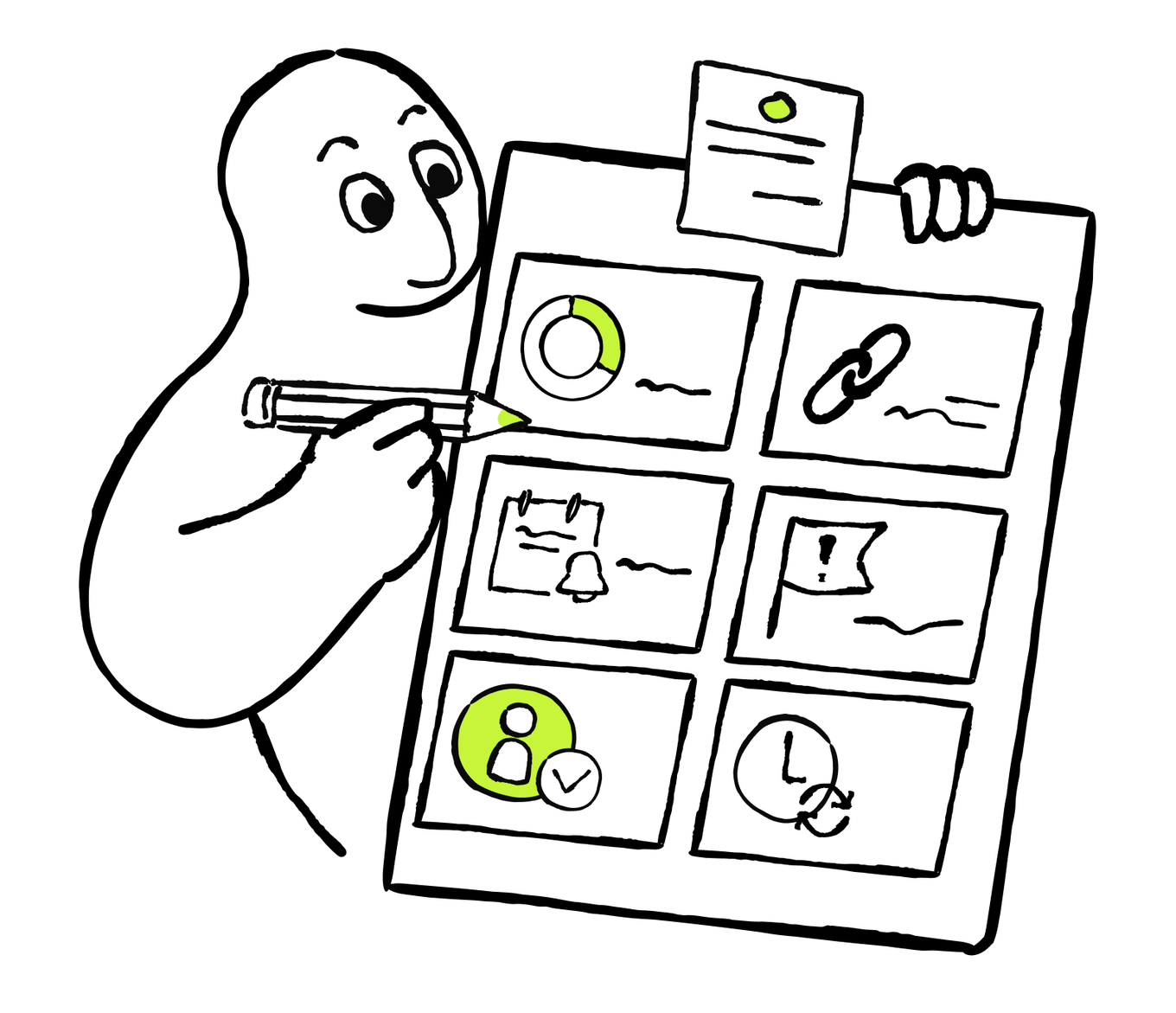
Check five things from your side:
- People and effort: Which skills are needed, who can provide them, and how much hands-on work is realistic?
- Materials and outside help: What must be bought, delivered, rented, or supplied by someone else?
- Access and approvals: What must another person provide before work can begin or continue?
- Main dependency: Which decision, delivery, or handoff could control the timing?
- High-level availability: Does the required skill appear available in the needed window?
The required skills and availability window must be credible before you take the project. If a major dependency or required resource is still unknown, mark it as Needs confirmation. Leave exact calendar blocks for weekly planning.
Check Whether the Numbers Work
Now check the costs. Use one simple calculation:
Estimated money left after direct project costs = project price - direct project costs
AI can do the math and compare ranges, but only from the numbers you provide. Ask it to show every input, assumption, range, and calculation, then check them against your records. Treat AI's calculation as evidence for your decision, not the decision itself.
For this quick check, use the costs your business assigns directly to delivering the project under its existing planning method. Depending on the business, they may include materials, outside services, delivery, fees, and the planned cost of employee and owner time used to deliver the work.
Don’t treat your own time as free. Use your business's existing planning method, or mark that cost as missing instead of letting AI assume $0. For the even more well-weighted decision and calculation, you can give AI your business financial target and any finance- or budget-related rules.
Check Whether the Project Is Financially Worthwhile
This result is not net profit. It doesn’t automatically include every business-wide expense, tax, financing cost, or desired return.
This is a quick check for a short-term cash gap, not a full cash-flow forecast.
Choose the Right Starting Move
After you have checked the important project details, resources, and financial inputs, choose one of four moves:
- Start: Scope, high-level resources, and the conservative financial check support the current terms.
- Revise: The project could work, but only with a different scope, price, timing, resource approach, or payment arrangement.
- Wait: A specific missing answer prevents a responsible decision. Name the answer, owner, and next check.
- Decline: The project still does not fit the business's capability or rules after reasonable changes are considered.
In the bathroom example, scope and acceptance are clear. The conservative calculation leaves $5,000 after direct project costs, and the proposed payment structure would keep the cash gap within the business's limit once the first payment is received. However, supplier delivery timing, the worker's Week 2 availability, and the first payment are not confirmed.

Based on the example above, which starting move is best supported now?
For the bathroom project, the best-supported move is Wait. When the owner receives the missing details, they can update the same assessment and run the check again. If the scope, timing, resources, and numbers work together, they can accept the project. If not, they can revise the terms or decline it.
You can now turn scattered project information into a clear decision: what the project includes, what still needs confirmation, whether you have the resources to deliver it, and whether the numbers work. This helps you avoid promising more than you can deliver or accepting a project that does not fit your capacity or financial rules.
In the next lesson, once you decide to take on a project, you'll turn its confirmed details into a practical plan inside one current system. You’lll learn how to track progress and use simple health checks to spot problems early.
How was the lesson?
Your answer goes to our content team
Next · Lesson 2