
How to Use AI for Productivity and Work
Put Your Work With AI On The Next Level
One AI request can save you time and reduce tedious manual work. You can level up this skill and scale your work with AI, going from a single request to a reliable system. A useful AI workflow can save your resources every time the work comes back.
In the previous lesson, you learned how to give AI a clear result, the right source, and the details that change the work. Now you'll use that skill to handle tasks in your life, work, or business. You'll learn what to delegate, how to build a workflow, and how much control to give AI.
Find Work Worth Delegating
Automating a task with AI can sound like building a complex system with advanced features. In reality it’s much simpler. Use the same rule from the previous lesson: identify the result you want, then choose the simplest way AI can help you get there.
Look at your day before you look at AI. Where does work get stuck? What takes the most time or effort? What keeps on repeating? These questions point to real problems that AI may help you solve. Look at what you already do and find a task that AI can make faster, easier, or more consistent.
A useful starting task often has several of these signs:
- It comes back every day, week, or month.
- It takes time because you read, sort, compare, rewrite, or move information.
- It has a clear source, such as notes, emails, forms, files, or a table.
- You can check the result against facts or simple rules.
- You can fix a mistake before it causes harm.
Use the same test across different areas, whether you're learning, working, researching, or making your daily routine easier. The task doesn't need to feel impressive. A small task that happens every week can save more time than one large task that happens once.
Choose the Task
The strongest tasks give AI useful material and give you a quick way to review the result. Let’s look at how AI can prepare or organize the work while a person keeps control of important decisions:
| Area | Useful task for AI | What a person still owns |
|---|---|---|
| Documents | Find decisions, dates, and open questions in a long file | Confirm that AI read the source correctly |
| Research | Gather options and compare them by set rules | Check the sources and choose what matters |
| Writing | Draft an email, post, brief, or report from approved facts | Approve claims, tone, and final use |
| Meetings | Turn notes into decisions, actions, owners, and dates | Confirm what the team agreed to do |
| Planning | Turn a goal and limits into a practical first plan | Set priorities and accept trade-offs |
| Data and feedback | Group entries, find patterns, and flag unusual changes | Explain what the pattern means and decide what to do |
| Learning | Explain a topic, create practice, and give feedback | Check important facts and apply the learning |
| Recurring work | Check inputs, prepare a draft, and route exceptions | Set the rules and handle sensitive cases |
Which tasks are good starting points for AI delegation?
What AI Can Do
Once you choose a task, name the part AI should handle. A broad, vague request such as "help with this project" doesn't explain what result AI should produce, what it should do, and which decisions remain with you. A clear request sets the finished outcome and the boundary for AI’s role in a decision.
Check this table with examples of the most common jobs for AI. Note that one task or workflow may combine several jobs. For example, a meeting workflow may extract actions, summarize decisions, and draft a follow-up. A research workflow may find sources, compare options, and prepare a recommendation for a person to review.
| AI job | What it does | Example |
|---|---|---|
| Summarize | Reduces a large source to the points that matter | Create a one-page brief from a report |
| Extract | Pulls out specific facts or fields | List every action, owner, and due date from meeting notes |
| Research | Finds information from allowed sources where the tool supports search | Find current supplier options and record the source and date |
| Compare | Applies the same rules to several options | Compare proposals by price, timing, scope, and risk |
| Draft | Creates a first version from your material | Draft a client update from approved project notes |
| Improve | Revises an existing result for a clear purpose | Make instructions shorter and easier to follow |
| Classify | Sorts items into useful groups | Group support requests by issue and urgency |
| Plan | Turns a goal and limits into possible steps | Build a weekly plan around fixed deadlines |
| Practice | Creates a safe space to prepare and get feedback | Run a mock interview and point out unclear answers |
The jobs you choose should move the task toward the result. Choose them wisely: more AI steps don't always create more value. Practice matching the task to the job AI should handle.
Match the Task to the AI Job
Connect each task with the most useful AI job.
Choose How Much AI Should Handle
Once you have chosen the task, decide how much of the work to give AI. The steps may stay the same each time, or AI may need to change its next action based on what it finds.
You can delegate work in several ways:
- Ask for a single result: AI completes one clear task, such as summarizing a document or comparing three quotes.
- Repeat the same steps: AI follows a set sequence each time, such as turning weekly meeting notes into an action list and a follow-up draft.
- Let the flow adapt: AI chooses the next approved step based on new information. This is an agentic flow.
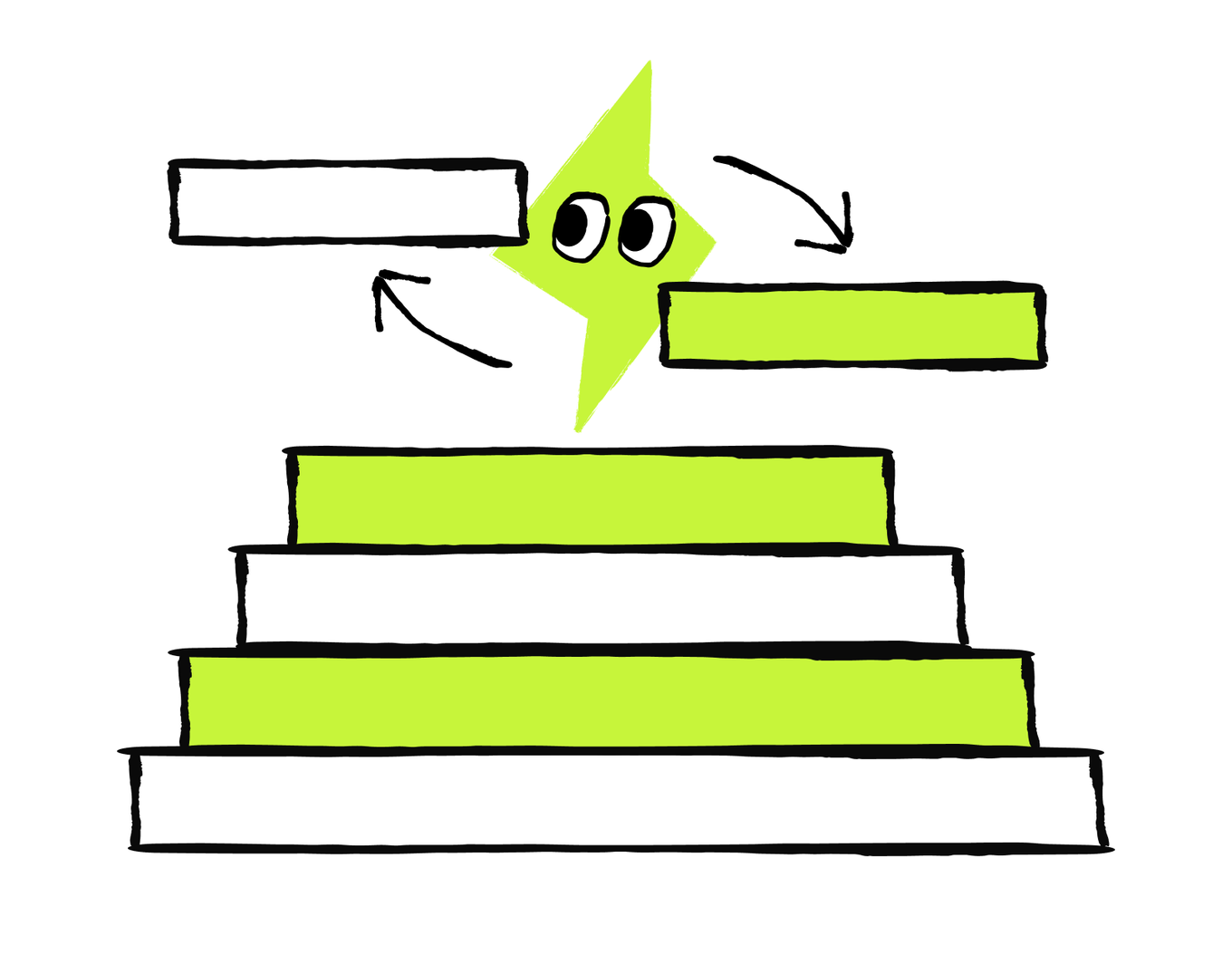
The same task can involve different levels of AI support at different stages. For example, a business needs to choose a new supplier. For this task, the owner sets these AI jobs with clear boundaries of what AI handles:
- One result: AI compares the existing proposals in one table using available data.
- Repeated steps: Whenever a new proposal arrives, AI extracts the same details, adds them to the table, and flags any missing information.
- Agentic flow: AI searches approved sources for other suppliers, gathers the available details, requests missing information, updates the comparison, and prepares a shortlist.
- Final human decision: The business owner reviews the shortlist, chooses the supplier, agrees to the terms, and approves the purchase.
As you can see, each part of the workflow requires different levels of what AI may do and different times to ask you. In this case, each level builds on the same task. The first produces a one-time comparison, the second repeats a known process, and the agentic flow moves the work forward as new information appears. The owner keeps the final business decision.
You set the result, available actions, approval points, and stop rules. This approach can handle more complex work without requiring a new instruction after every step. AI keeps the process moving and brings you in when it needs your judgment or approval.
Decide What AI Can Handle and What Stays Human
Some decisions should always remain human, and some you can successfully delegate to reduce the bottlenecks.

A business owner reviews supplier reports every week. They want AI to compare supplier offers, ask for missing details, and pause for manager approval when an offer exceeds the budget. Which approach fits best?
Task complexity and frequency help you find where AI can save time, but they don't tell you how far to delegate. Sometimes AI can complete most of the work. In other cases, it should prepare the result and wait for a person to review, approve, or take over. This is called keeping a human in the loop.
Use this checklist to set the boundary:
AI can handle more of the work when:
- The task has a clear goal, source, and set of rules.
- You can quickly check the result.
- You can easily correct or undo a mistake.
- AI has permission to use the required information and tools.
- AI can recognize unusual cases and pause for help.
Keep a human in the loop when:
- The result affects people, money, rights, safety, or reputation.
- AI may send, publish, buy, book, delete, or make a commitment.
- The information is missing, sensitive, unclear, or conflicting.
- The situation falls outside the rules you gave AI.
- A mistake would be difficult or expensive to fix.
Keep the final decision human-owned when it involves:
- Hiring, dismissal, pay, or employee performance
- Health, legal rights, or physical safety
- Contracts, large payments, or important business commitments
- A sensitive situation that requires care, fairness, or empathy
- An outcome for which a person must take responsibility
A simple rule helps: let AI prepare, organize, compare, draft, and keep routine work moving. Add human review before important consequences, and keep the responsible person for the final high-impact decision.
Map the Workflow
A workflow turns the task and instructions into a repeatable process. To map it properly and have a clear and useful output, answer these questions:
- Trigger: What event starts the work?
- Inputs: Which sources does AI need?
- AI contribution: What does AI read, find, compare, create, or update?
- Human handoff: What does a person check, add, decide, or approve?
- Output: What does the workflow produce?
- Stop rule: When should AI pause and ask for help?
Once you have the answers, arrange them into a simple flow:
Trigger → Inputs → AI work → Human check → Final output
Add a stop rule wherever AI may face missing information, an unusual case, or an action that needs approval. Then use the workflow to write your reusable starting instruction or set up the process in an AI tool that supports saved workflows or automations. For example, if meeting notes include an action with no owner, AI should mark it "Needs confirmation" and pause before drafting a follow-up that assigns the work. Once a person confirms the owner, AI can continue with the checked notes.
You don't always need all the parts for each task. For example, a simple, one-time request may need only a clear result and the right source. A repeated or multi-step task should cover all the parts at least once.
The order also matters. For example, if AI drafts a polished follow-up before anyone checks the actions, it can turn an unclear note into a confident mistake.
Map the Workflow
Arrange the steps of the AI workflow in the order that keeps the result useful and reviewable.
- A person checks the result, corrects mistakes, and fills important gaps.
- The trigger starts the workflow, and AI receives the required inputs.
- A person reviews the final result and approves any action.
- AI uses the checked result to complete the next step or prepare the final output.
- AI completes its assigned work and marks anything missing or unclear.

This order gives each later step a trusted input. The review happens before AI turns the action list into an external message.
Build Your AI Productivity Workflow
Now bring together the decisions you made in this lesson. You'll see a case study on how to build a specific workflow, but you can apply the same structure to a task from your own work or daily life.
The business owner wants to build a full AI-powered workflow. Match each step of the flow with the task they need to complete.
Match the Workflow Parts
Connect each workflow element with the part of the small-business owner’s weekly review
Together, these parts turn a broad task — "help me review my business week" — into a clear workflow. AI knows when to start, what information to use, what work to complete, and when to involve the owner.
How To Build Your Own Workflow
Complete the prompt below in an AI tool that supports the files, sources, and actions your process needs.
This prompt creates a workflow plan. It doesn't automatically connect your files, monitor new information, or run on a schedule
Start with the simplest setup that works:
- Workflow plan: AI maps the steps, inputs, decisions, and stop rules. You review the proposed process before using it.
- Reusable prompt: You save the approved instructions and run them manually whenever the task returns. You provide the current files or information each time.
- Saved or scheduled workflow: A supported AI tool runs the approved steps at a set time or when a defined event occurs.
- Connected automation: The tool receives information from approved sources and may take permitted actions. This requires access settings, clear approval points, and a way to stop the process.
Move to the next setup only when the previous one produces a reliable result. For many tasks, a reusable prompt is enough. Automate the workflow only when running it manually has shown that the steps, checks, and stop rules work.
Test the Workflow Before Relying On It
A workflow may work in one simple case and fail when the information changes. For the first run, use a copy of important data or safe sample data. Keep real actions, such as sending, publishing, paying, or deleting, turned off until you trust the process.
Test these cases:
- A typical case: the common case for which the workflow was designed
- A difficult case: the one that has missing or conflicting information
- A case that should make AI stop and ask for approval
Follow the whole process and check that AI uses the right sources, stays within its role, involves a person at the right time, and produces the result you defined.
Once the workflow passes the tests, you can put it on schedule. Some AI tools allow you to do it: the tasks can run both on a certain cadence (daily, weekly, monthly, etc.) and when some other action triggers the task (after the email arrives, after the meeting recording becomes available, etc.)
You now have a way to choose a useful AI task and turn it into repeatable work without losing human control. In the next lesson, you'll solidify your knowledge from this course and learn how to set up your personal AI assistant.
Next · Lesson 3